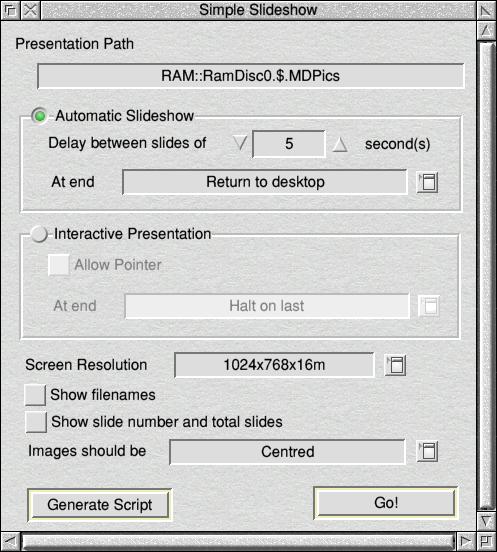
If you drag a folder full of images that does not have an accompanying script file, you'll be put into the "Simple Slideshow" mode with a window that looks like this:
This window has the most common options that people will find useful. I think most of it is self-explanatory. Selecting either "Automatic Slideshow" or "Interactive Presentation" will make obvious sections enabled or disabled.
At the bottom of the script are two icons: "Generate Script" and "Go!".
Generate Script will create a script for you (for editing later, if you wish), using the settings you have specified and all the images in the folder. It will be called !!Script and be stored in that folder.
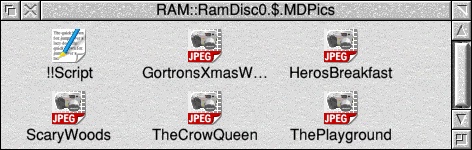
If you were to re-drag that folder back onto the Yassa Iconbar icon, you'd be put in the scripted presentation mode (see the previous page).
Go! will put you straight into a presentation using your specified settings, but will not make a script file.
Previous: Showing a scripted presentation
Next: Controlling the Presentation
