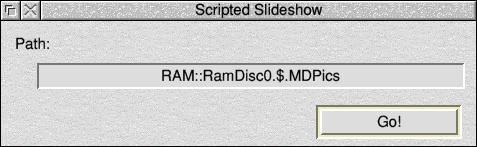
To show a presentation which already has a script file, drag the folder onto the Iconbar icon. Alternatively you can drag the script file itself on. The window looks something like this:
As you can see - currently there are no settings to mess with. That's because it's all in the script file. Just click on "Go!" to start the presentation.
Previous: Showing a single image
Next: A quick presentation, and generating a script
